
Description
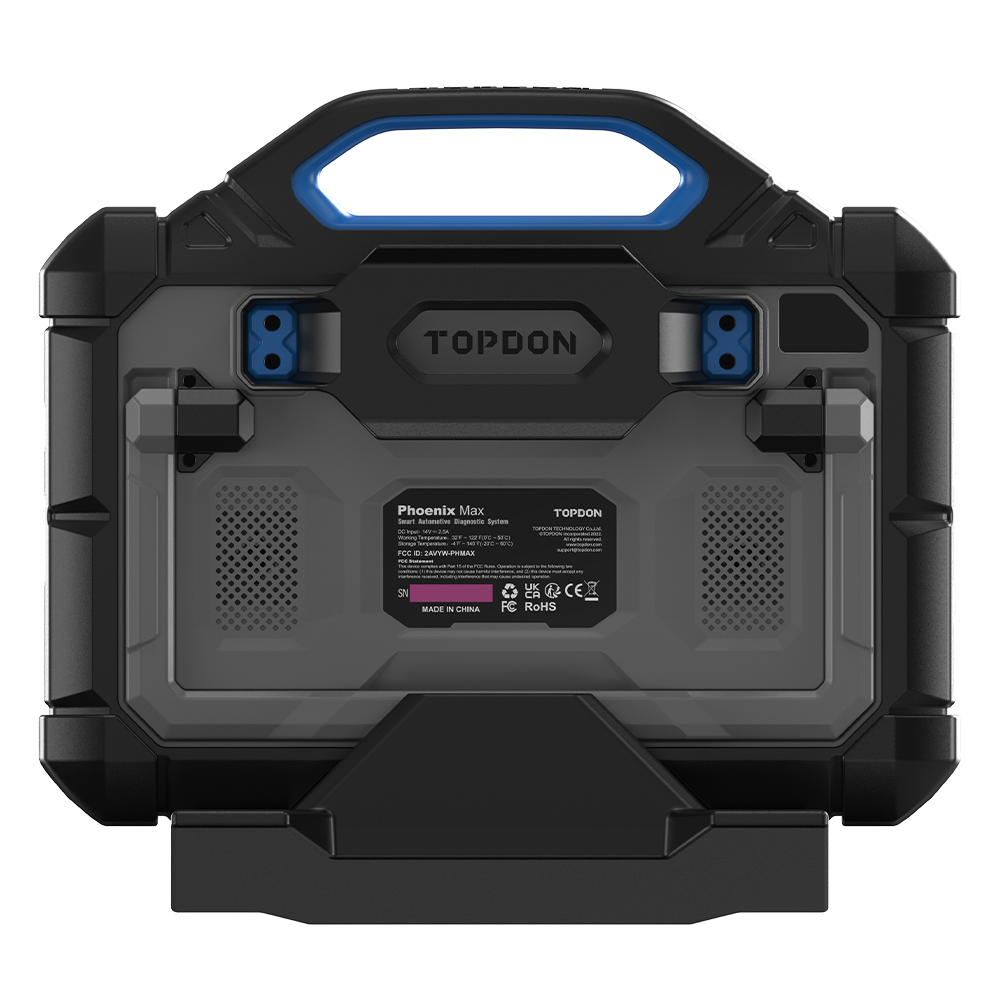
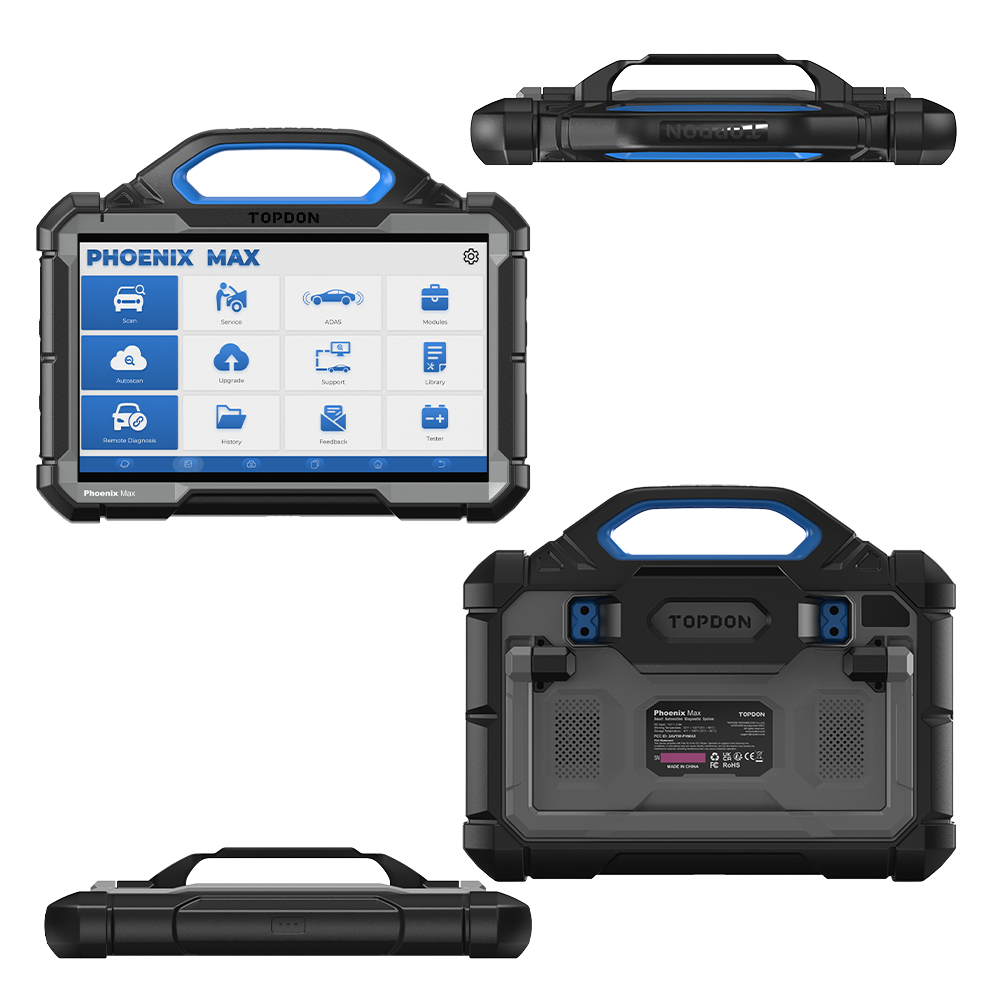
TOPDON Phoenix Max Professional Diagnostic Tablet
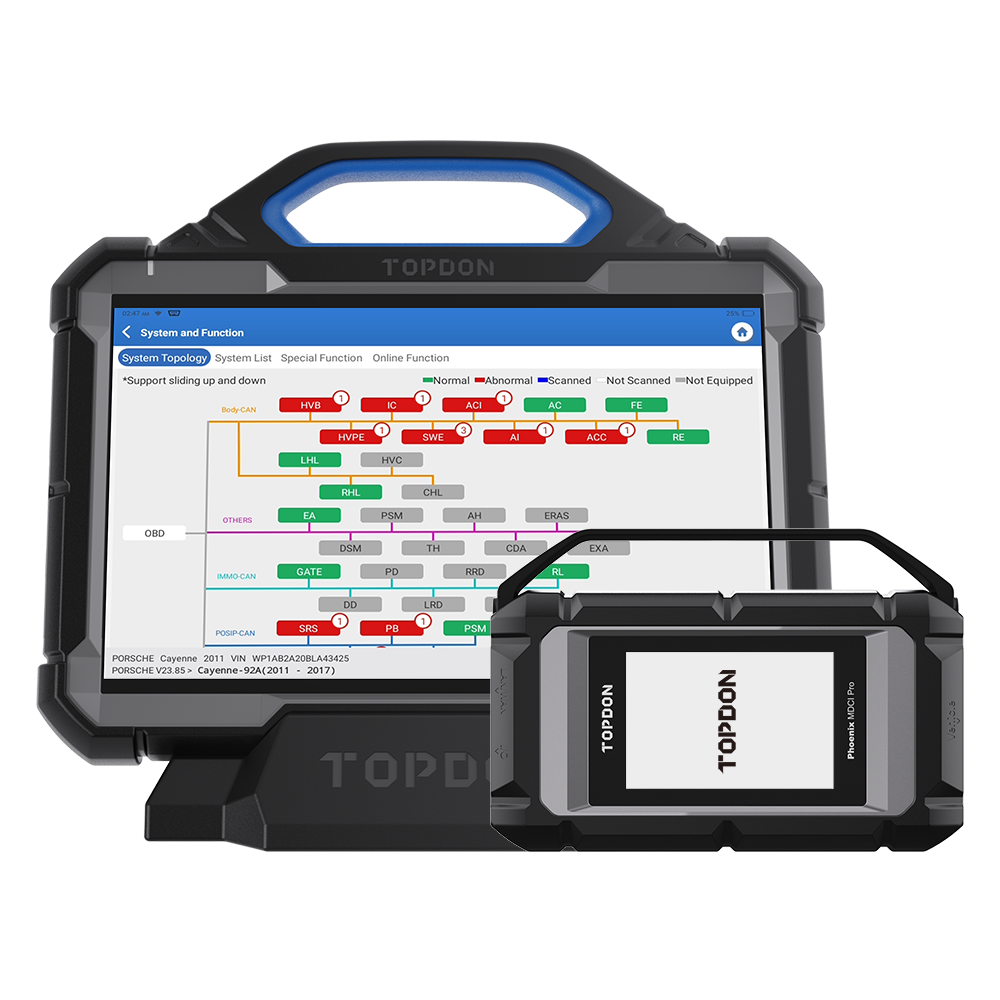
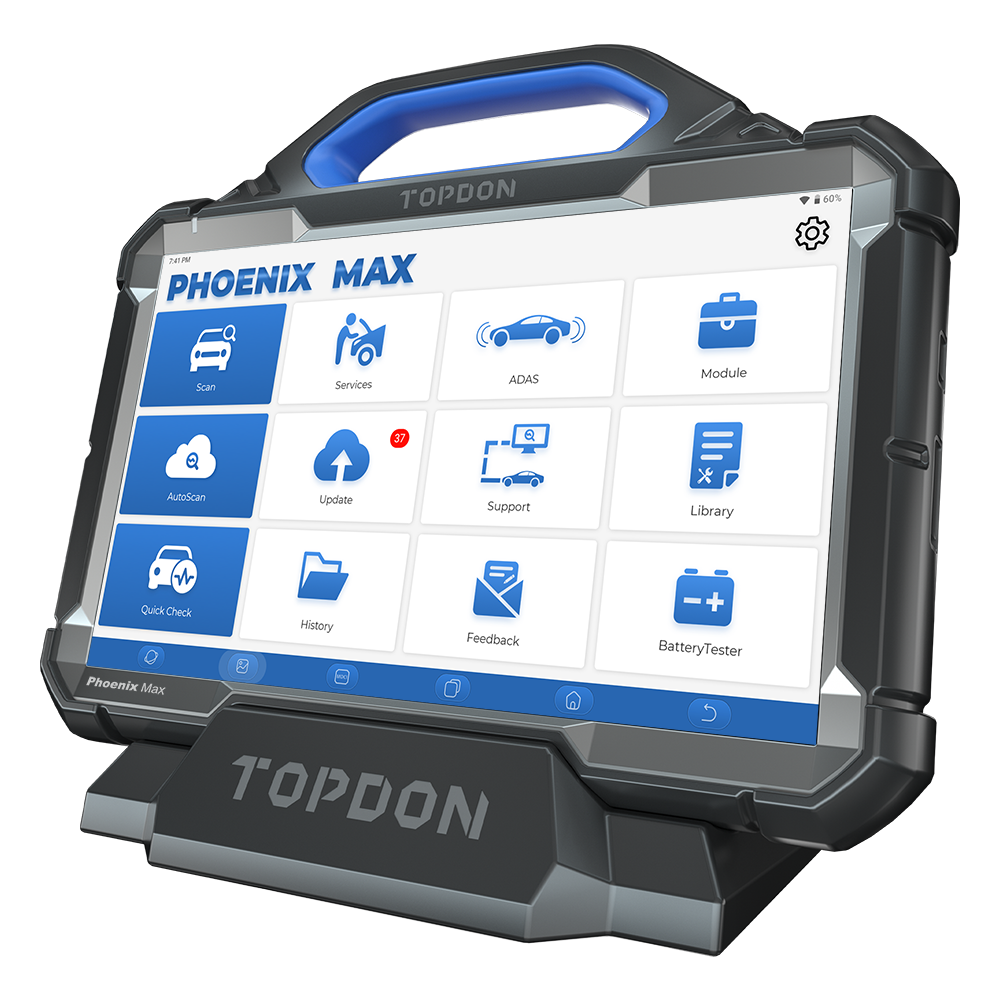
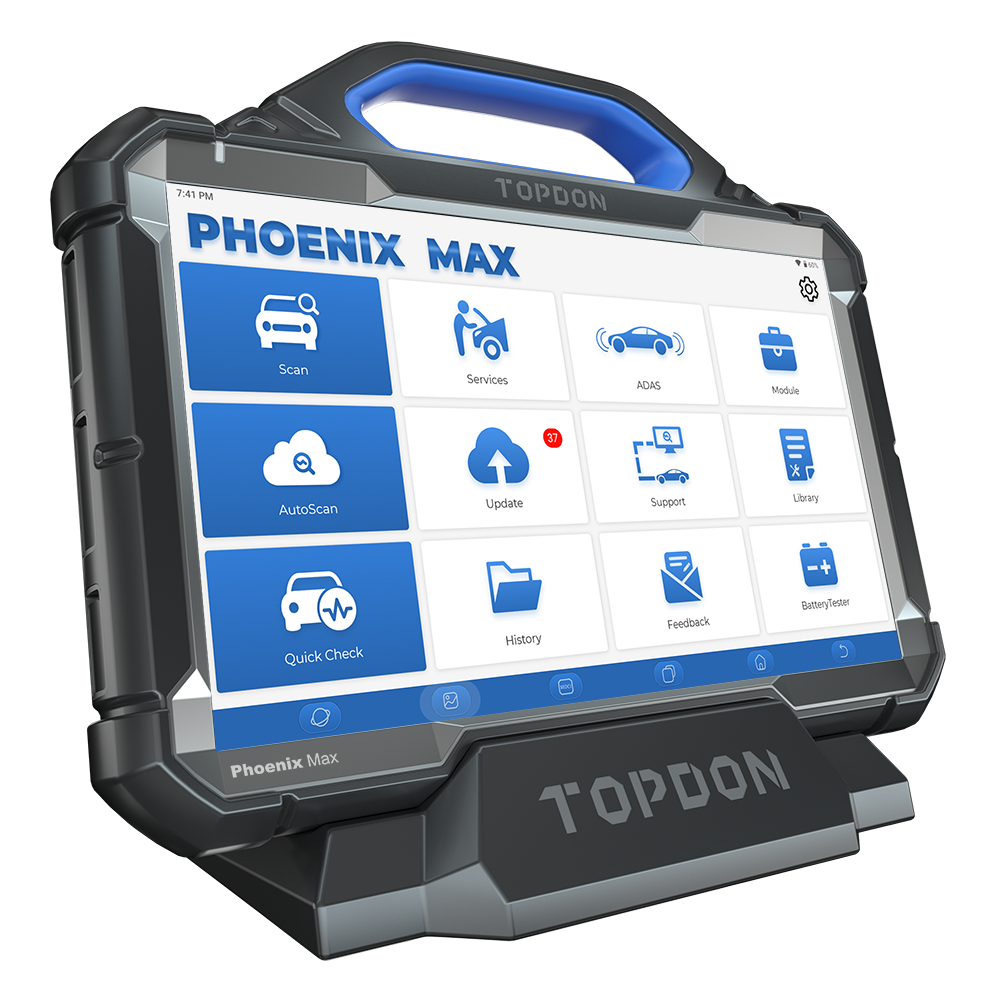
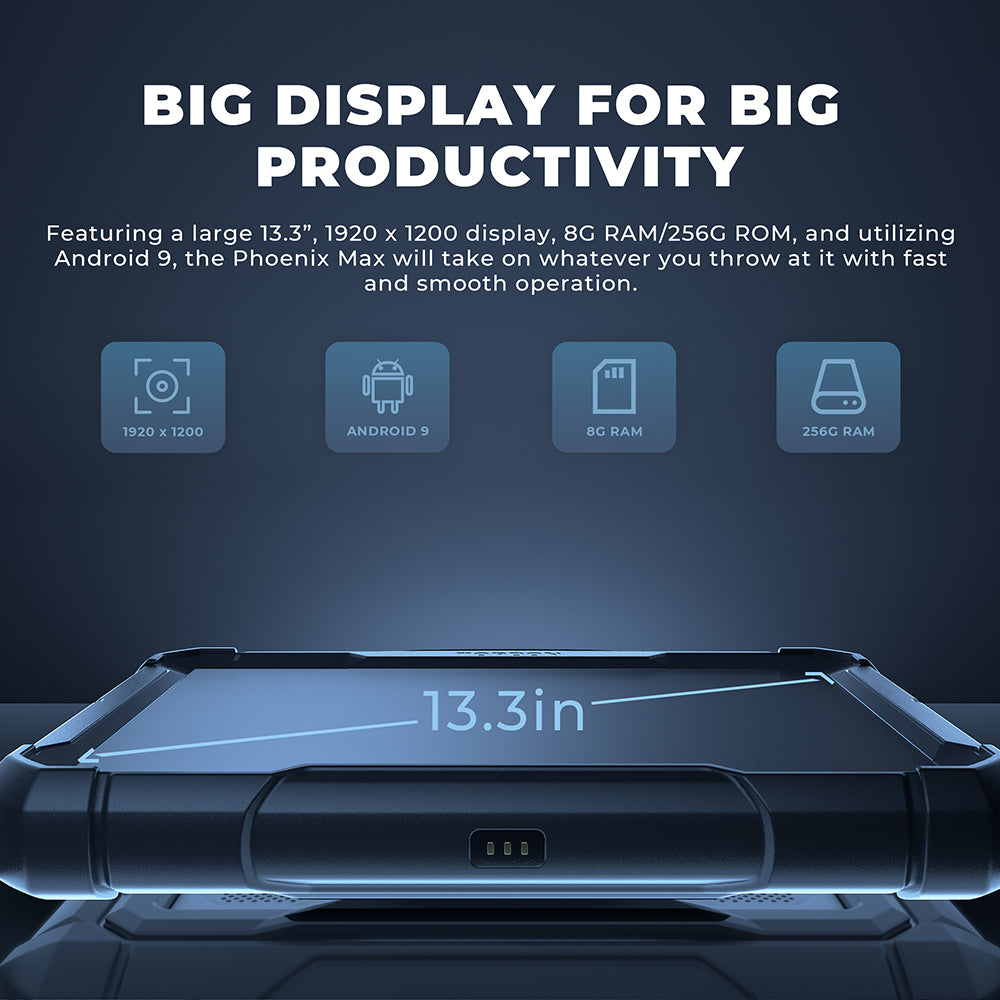
The TOPDON Phoenix Max is a professional all-in-one diagnostic platform built around a 13.3-inch display, 8 GB RAM, 256 GB storage and the Phoenix MDCI Pro. It combines extensive vehicle coverage, full-system diagnostics, active tests, topology mapping and supported cloud-based programming and online coding.
Features
- Automotive diagnostics with optional heavy-duty cables and software sold separately
- Full-system diagnostics for more than 200 vehicle models
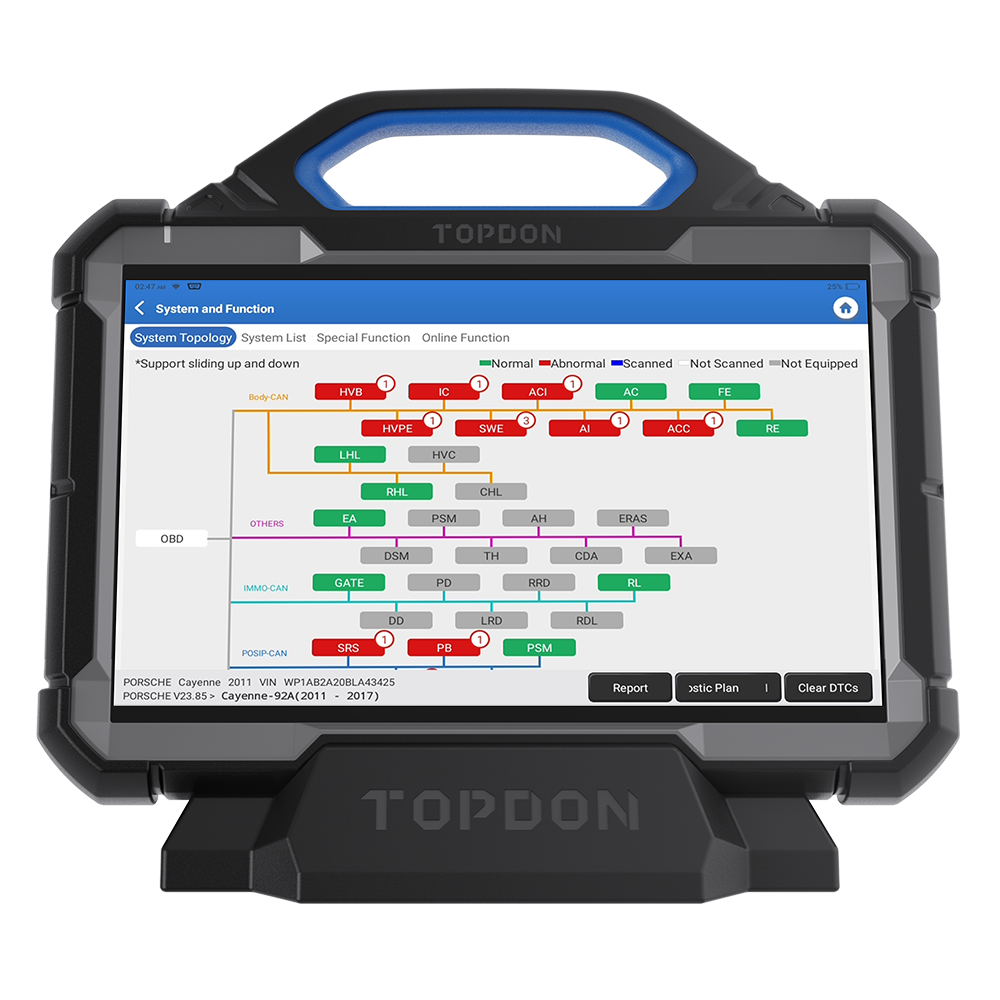
- Topology mapping for a clear overview of supported vehicle networks
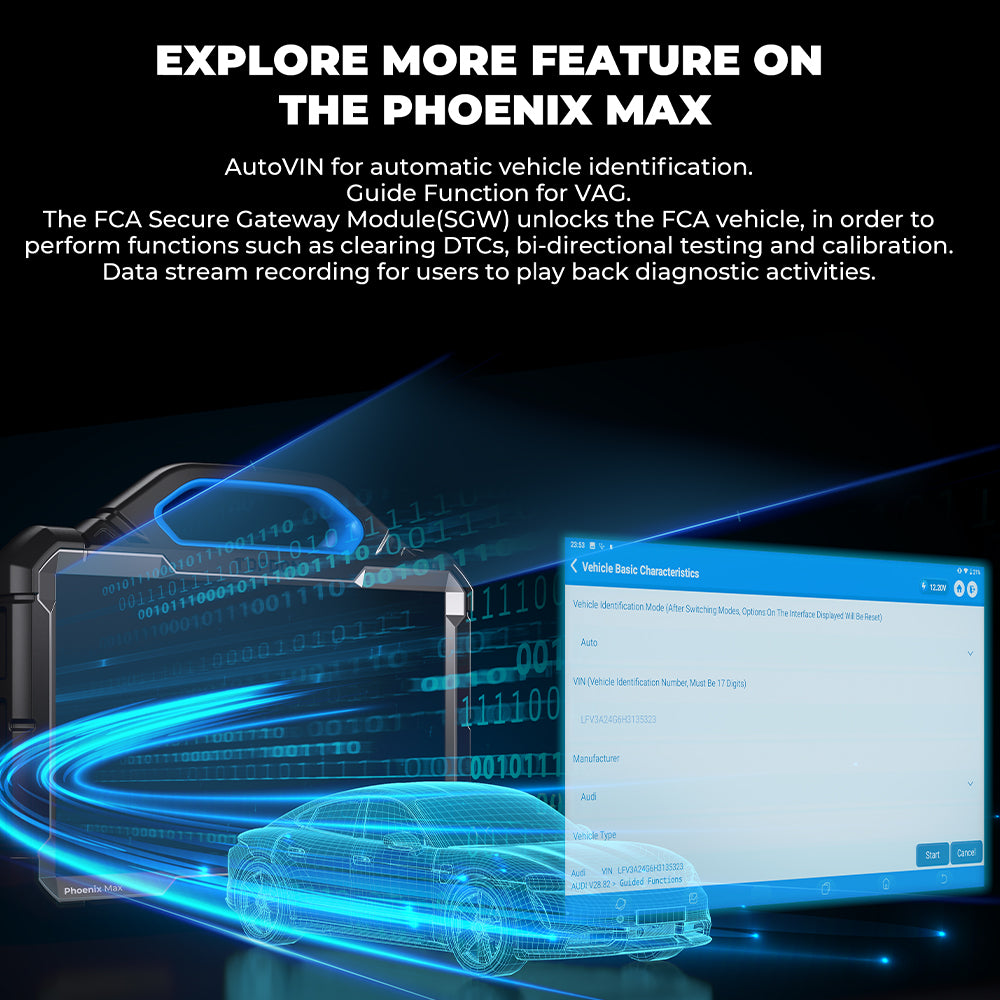
- AutoVIN automatic vehicle identification
- Guided functions for supported VAG vehicles
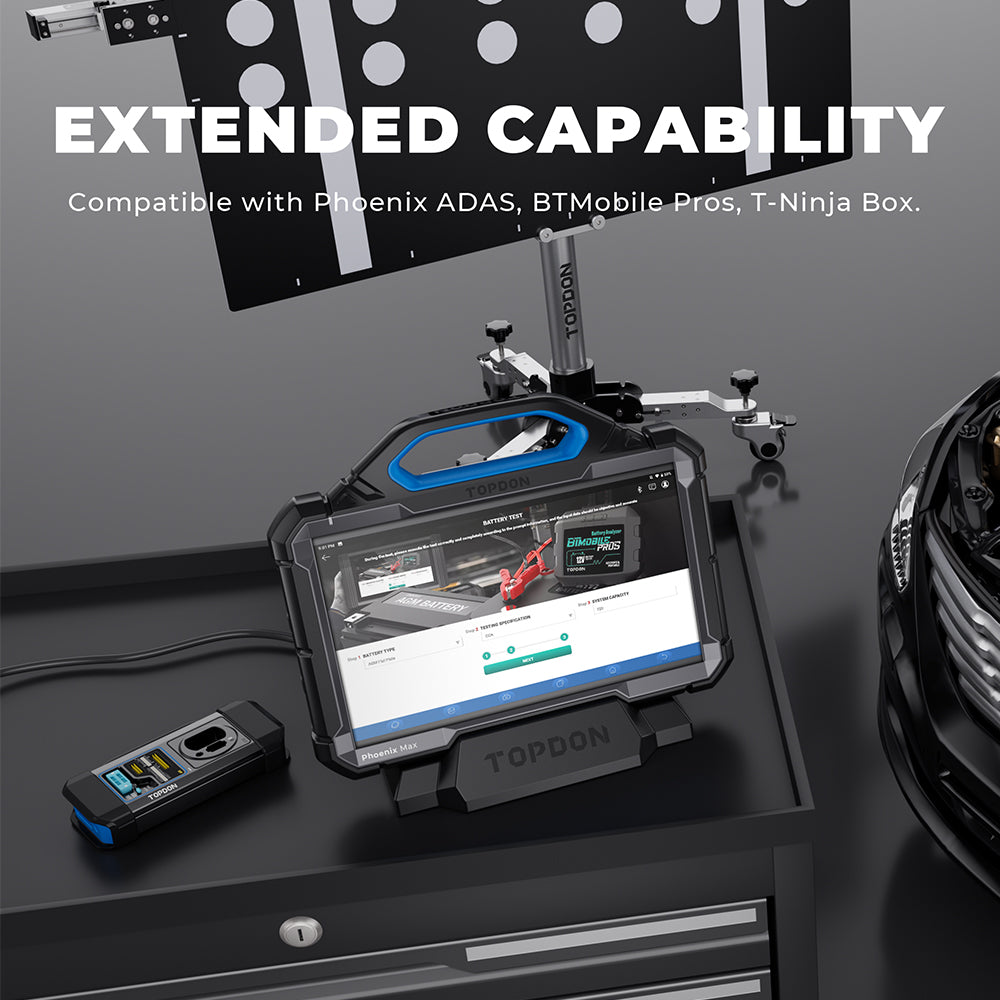
- FCA Secure Gateway access for supported diagnostic, active-test and calibration functions
- Diagnostic data recording and playback
Diagnostic Functions
- Full-System Scan
- Read Codes
- Clear Codes
- ECU Information
- Live Data
- Bi-directional Active Tests
- Topology Mapping
- AutoVIN
- Guided Functions for supported VAG vehicles
- Diagnostic Data Recording and Playback
Service Functions
41 maintenance services for supported vehicle models. Availability depends on the exact vehicle and software coverage.
Cloud Programming and Online Coding
Cloud-based programming is supported for selected Benz, BMW, Volkswagen, Audi, Skoda, Seat, Porsche, Land Rover, Jaguar, Hyundai, Nissan, Subaru and Renault vehicles. Online coding is supported for selected Audi, BMW and Porsche vehicles. Availability depends on the exact vehicle and software coverage.
Phoenix MDCI Pro
The included Phoenix MDCI Pro supports CAN FD, DoIP, D-PDU and RP1210 protocols for compatible modern vehicles.
| Processor | Cortex-A7 + Cortex-M7 dual processor |
|---|---|
| Operating system | Linux |
| Memory | 256 MB RAM / 8 GB storage |
| Display | 3.97-inch TFT, 320 × 480 |
| Wi-Fi | 2.4 GHz / 5 GHz dual band |
| Operating voltage | DC 9–36 V |
| Dimensions | 196 × 135 × 42.8 mm |
Phoenix Max Specifications
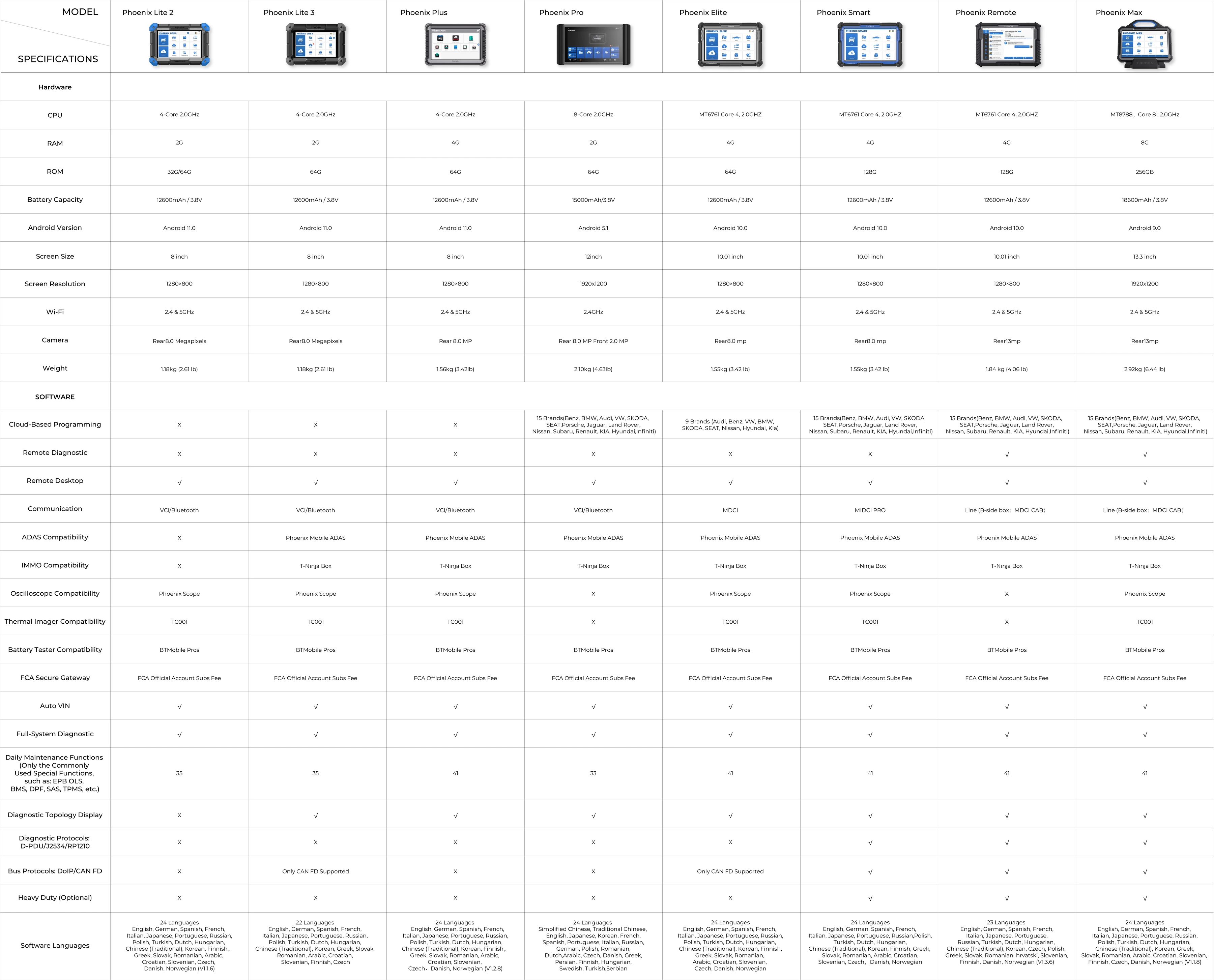
| Display | 13.3-inch LCD, 1920 × 1200 |
|---|---|
| Processor | 8-core, 2.0 GHz |
| Operating system | Android 9.0 |
| Memory | 8 GB RAM / 256 GB storage |
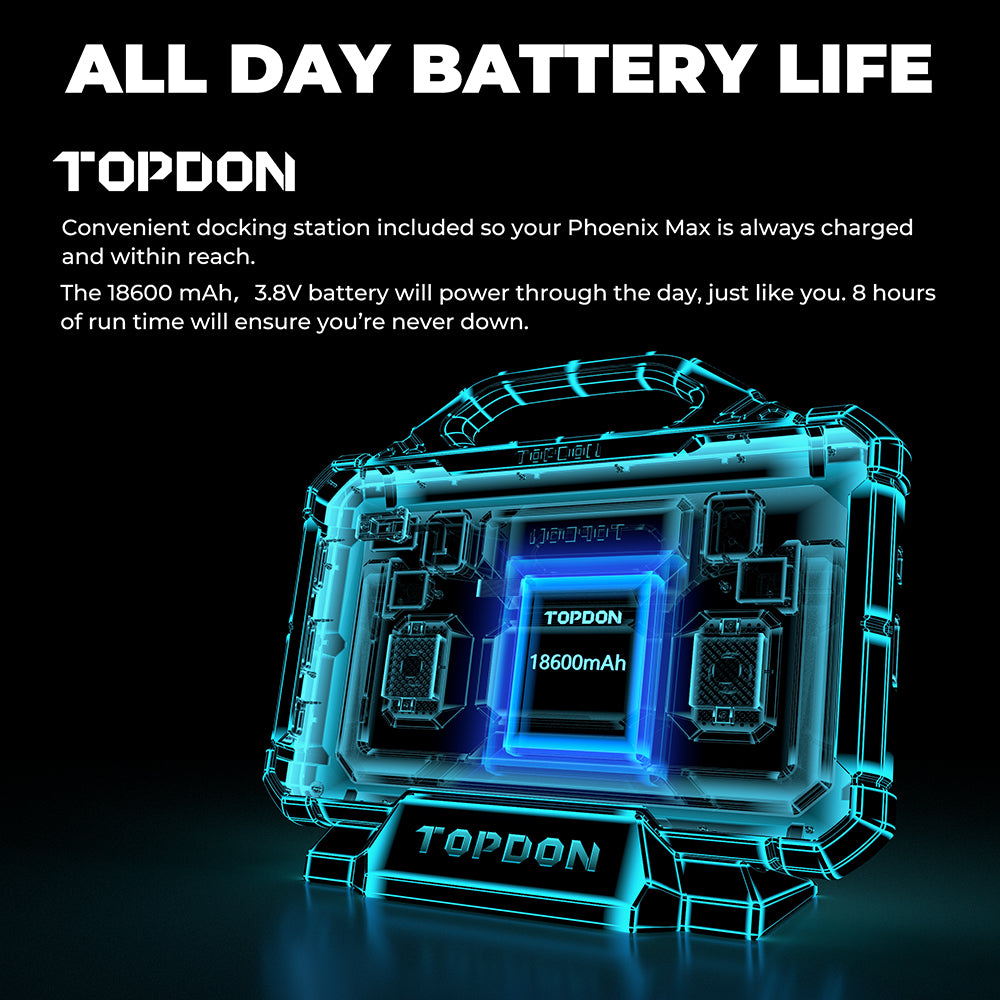
| Battery | 18,600 mAh / 3.8 V, up to 8 hours |
| Operating voltage | 9–18 V |
| Working temperature | 0°C to 50°C |
| Storage temperature | -20°C to 60°C |
| Product dimensions | 364 × 285 × 82 mm |
| Net weight | 3.18 kg |
| Languages | 24 languages |
Software Updates
- 2 years of automotive software updates
- 1 year of heavy-duty software updates
Package Contents
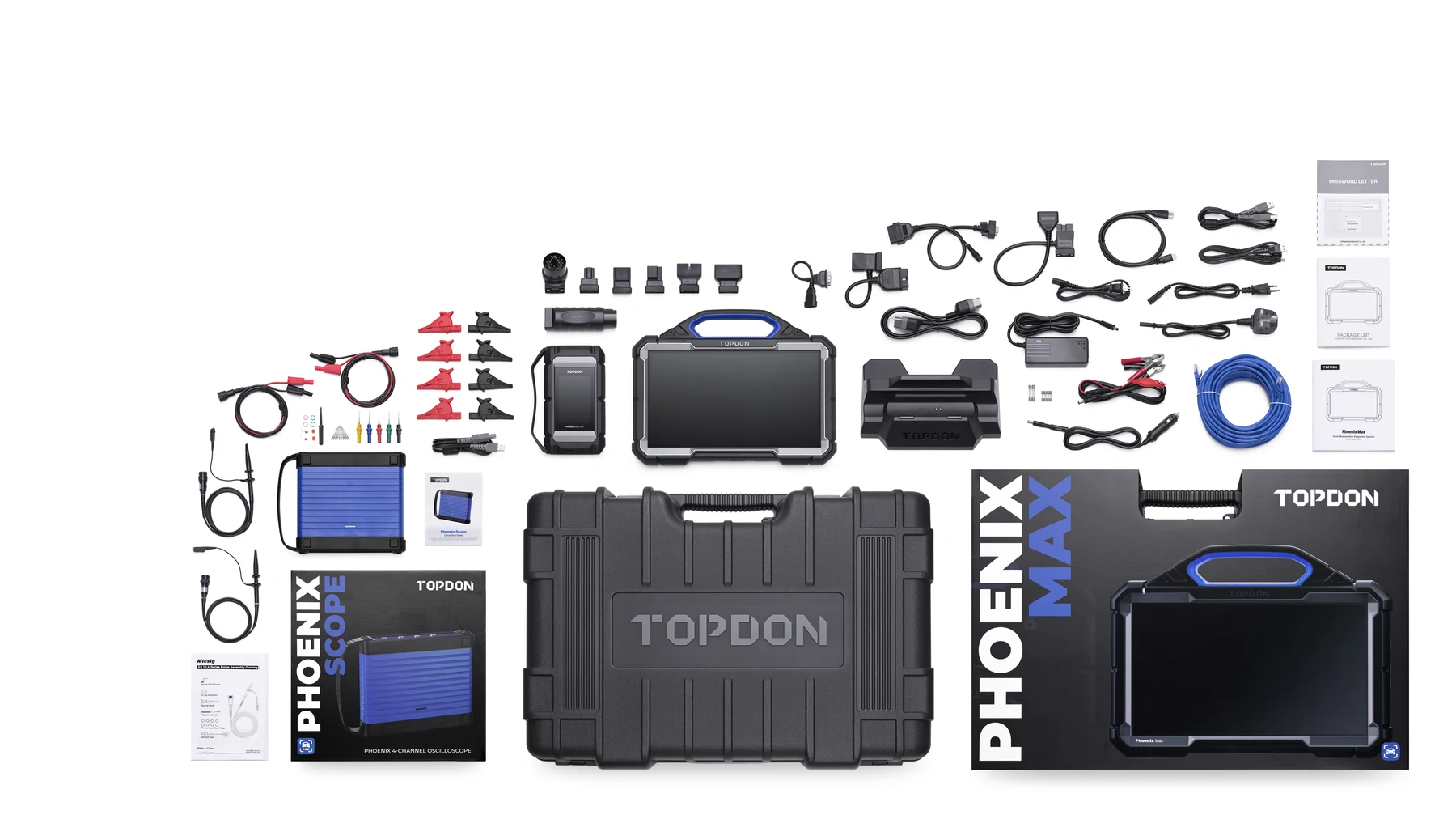
- Phoenix Max tablet
- Charging base
- Phoenix MDCI Pro
- OBD I adaptor
- MDCI diagnostic and charging cables
- AC cables for EU, UK and US
- Mini-HDMI to HDMI cable
- USB Type-A to Type-C cable
- Ethernet cable
- Vehicle-specific adaptors
- Fuses
- Protective carrying case and supplied documentation
Package note: Phoenix Scope is included only when the applicable scope package is purchased.
Important Information
Vehicle coverage, programming, coding, guided functions and online services depend on the exact vehicle, model year, region and current software coverage. Heavy-duty cables and software are optional and sold separately.
Reviews
There are no reviews yet.